

German-language docs and support
German UI, German documentation, support and onboarding in German. No language barriers in operations.

Site provisioning, templates, information architecture and sharing settings centrally defined by IT. End users have no Site Collection Admin rights and cannot change structures after the fact. Self-hosted in your Azure tenant.
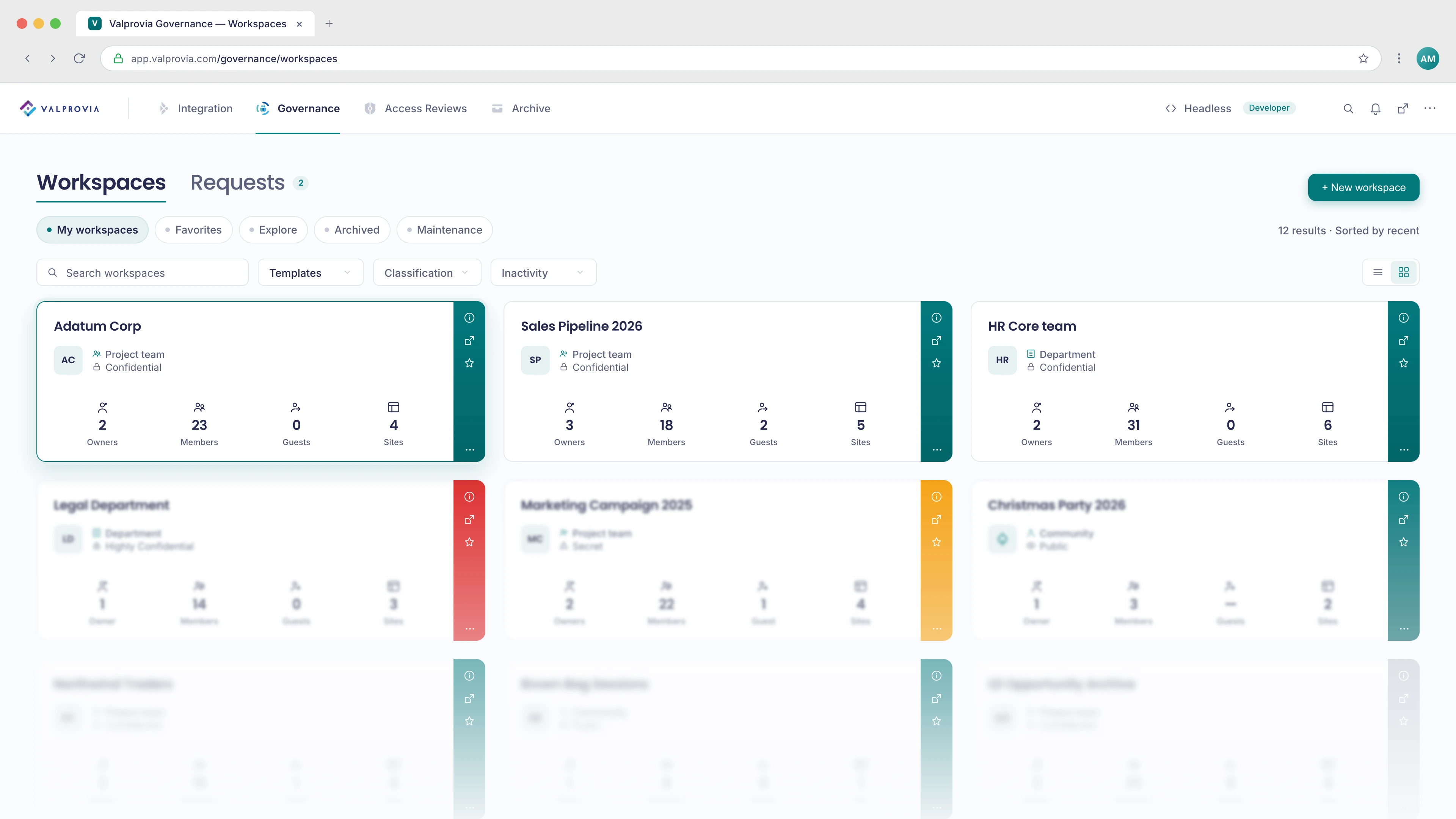
What SharePoint Governance is
SharePoint governance is the set of rules and controls IT uses to decide how SharePoint sites are created, structured and shared - so structure, permissions and sharing do not drift over time. Valprovia enforces those rules technically: IT defines structure and sharing centrally, end users have no Site Collection Admin rights, and everything runs self-hosted in your own Azure tenant.
Trusted by

Part of the Valprovia Governance module
You buy the Governance module. Period. SharePoint Governance is one of two application views of it - the other is Microsoft Teams Governance. Same templates, same permissions, same lifecycle rules. One license, two views, no double pricing.
IT defines site templates, library structures, metadata schemas and permission models - and watches end users override them. Every site creator becomes Site Collection Administrator, permission inheritance gets broken, permissions are granted directly to individuals instead of security groups, external sharing links stay "forgotten". A 5,000-user tenant without provisioning controls generates 200–500 ungoverned sites in the first year - which nobody can audit later. The moment Microsoft Copilot enters the picture, missing governance turns into data leakage.
Valprovia is the provisioning and governance layer between IT architects and SharePoint Online. Sites come exclusively from IT-defined templates - hub affiliation, library structure, metadata schema, permission model, sensitivity label and sharing settings are part of the template definition. Permissions are granted via Azure AD security groups, never directly to individual users.
Site Collection Administrator rights are technically revoked from end users - permission inheritance cannot be broken, sharing settings cannot be overridden. Your information architecture in month 24 looks exactly like it did in month 1. Self-hosted in your Azure tenant.
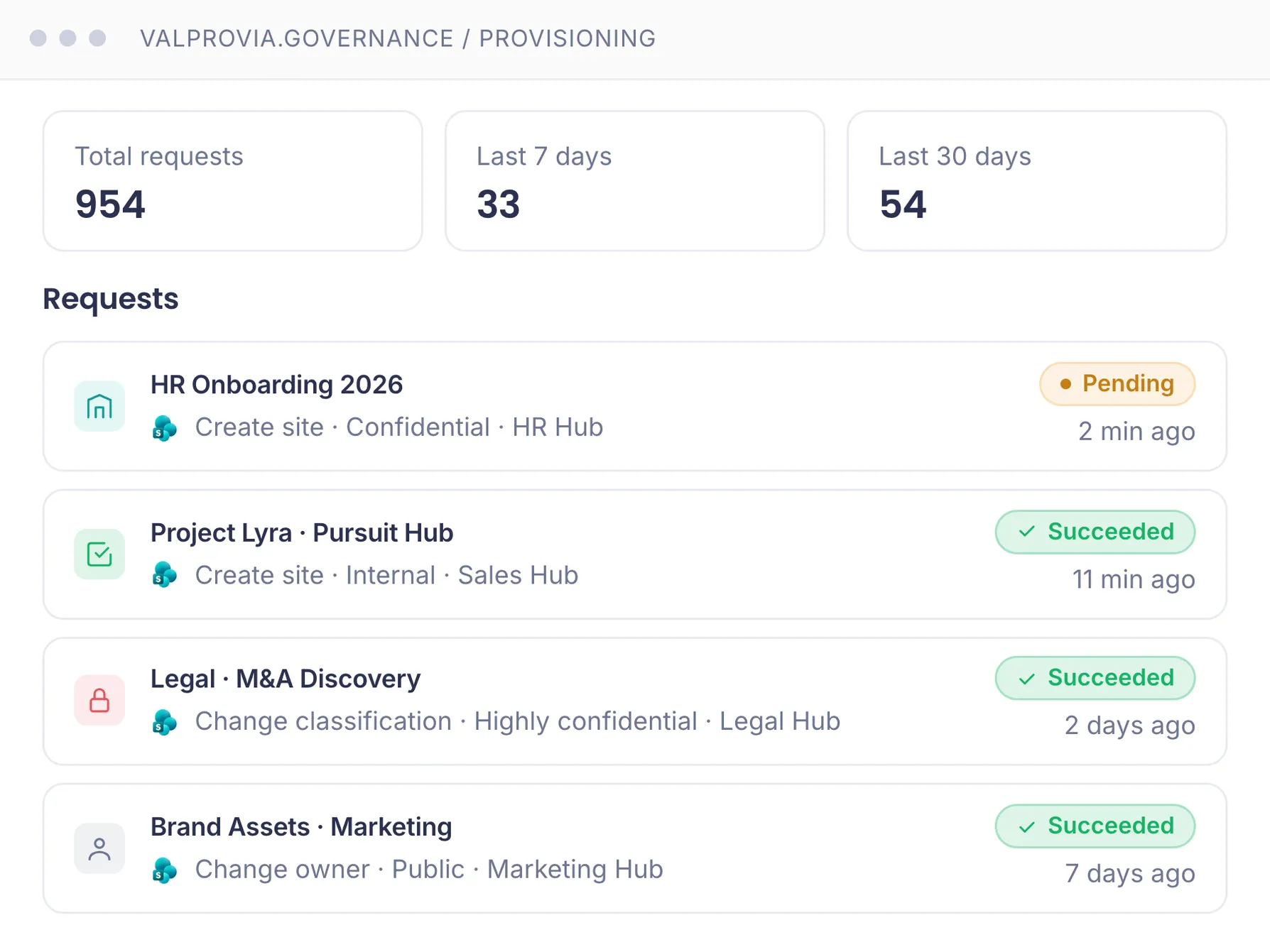
End users request sites through Valprovia instead of directly in SharePoint. Mandatory fields: business purpose, owner and deputy, data classification, lifecycle period, compliance requirements. IT approves or rejects, Valprovia provisions compliant to the template. Self-service site creation in the SharePoint admin center stays disabled.
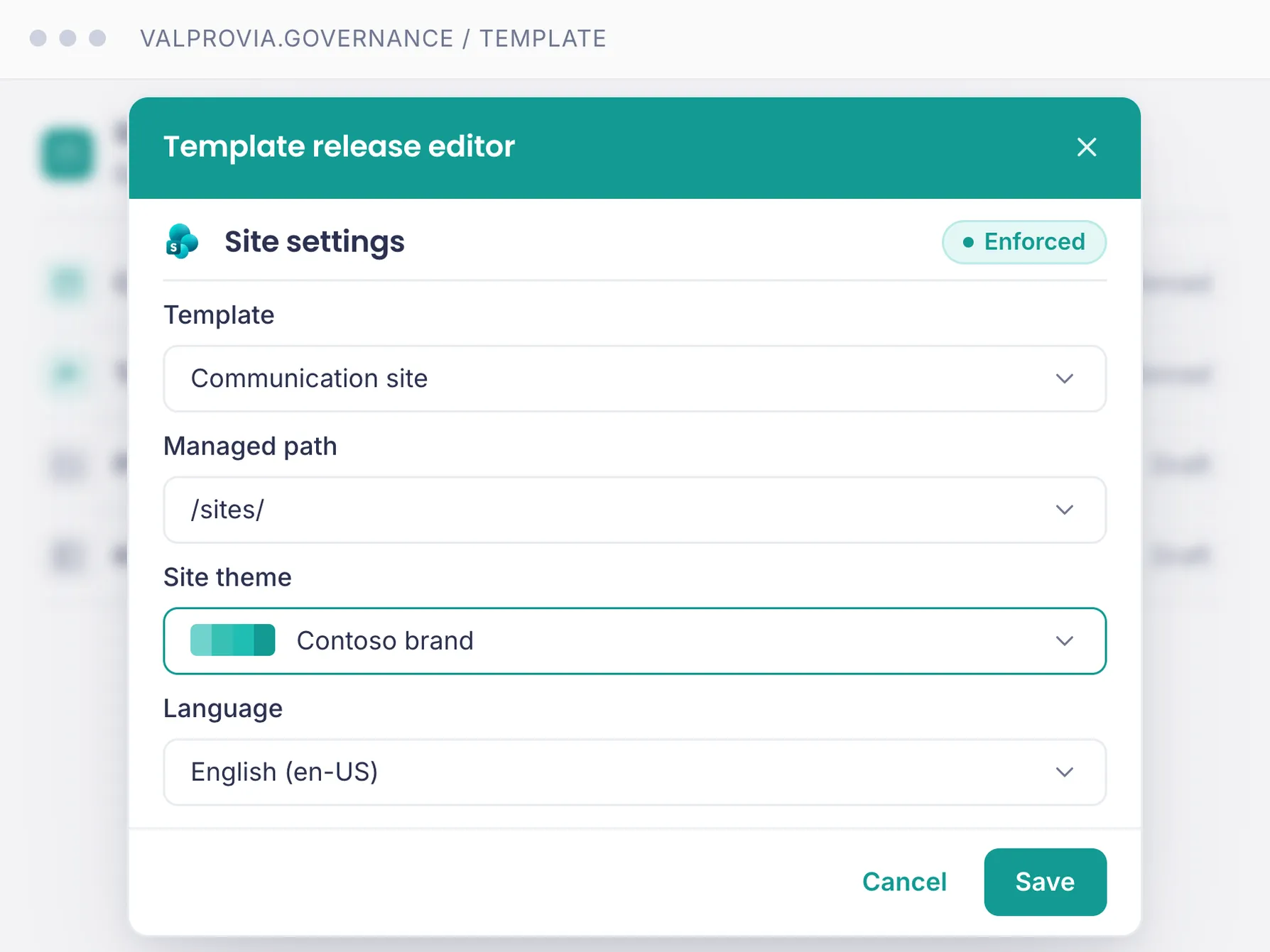
IT architects define hub sites, sub-topologies, site designs, navigation structures and term store hierarchies. Valprovia enforces these structures on every new site automatically and keeps them consistent - end users cannot rebuild the IA afterwards, not even as site owners.
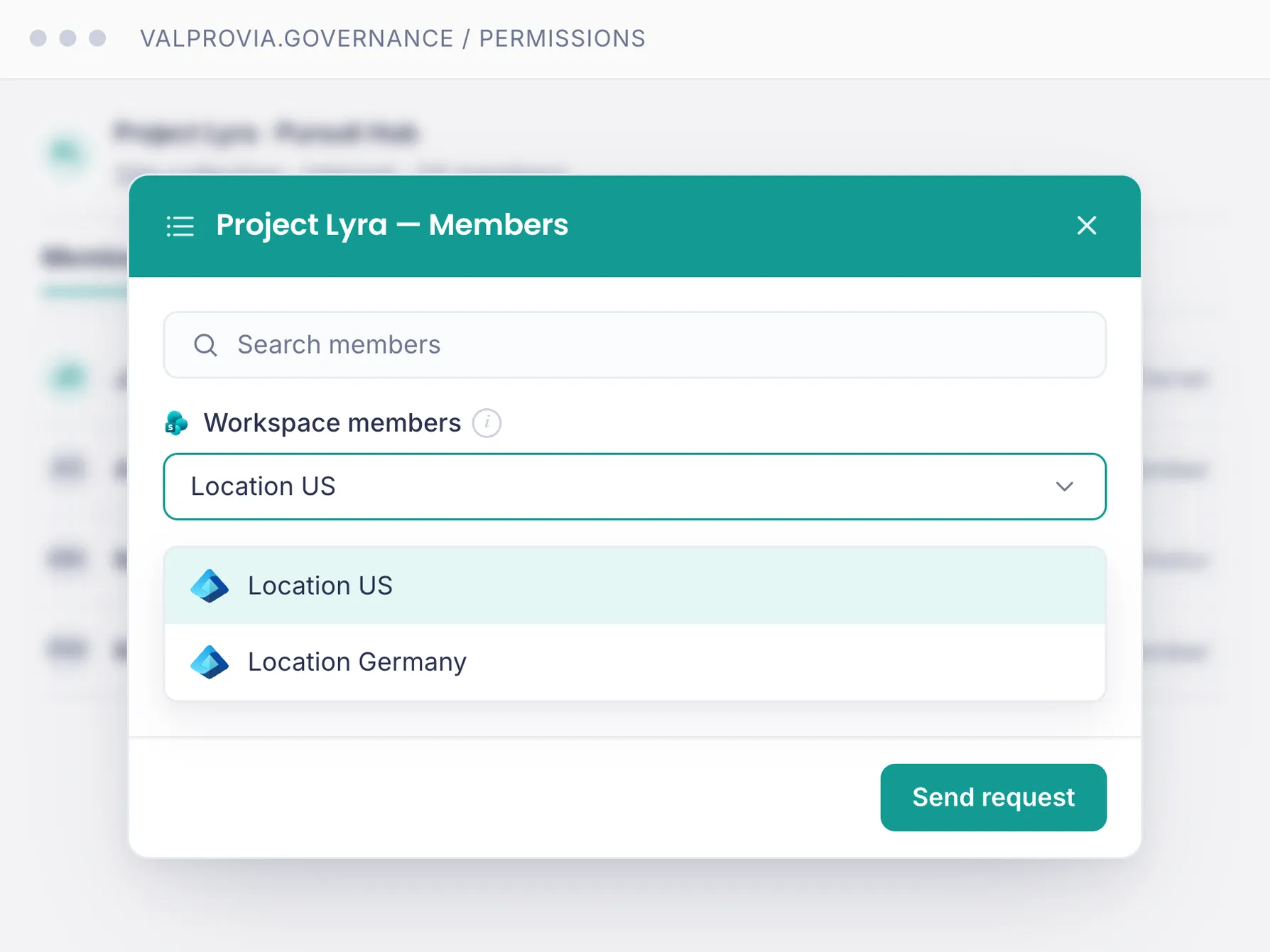
Valprovia enforces the best-practice model technically: three AD groups per site (Owner, Member, Visitor), permissions exclusively via group memberships. Direct grants to individual users and broken inheritance are technically impossible. After 12 months you still have an auditable permission model - no permission sprawl.
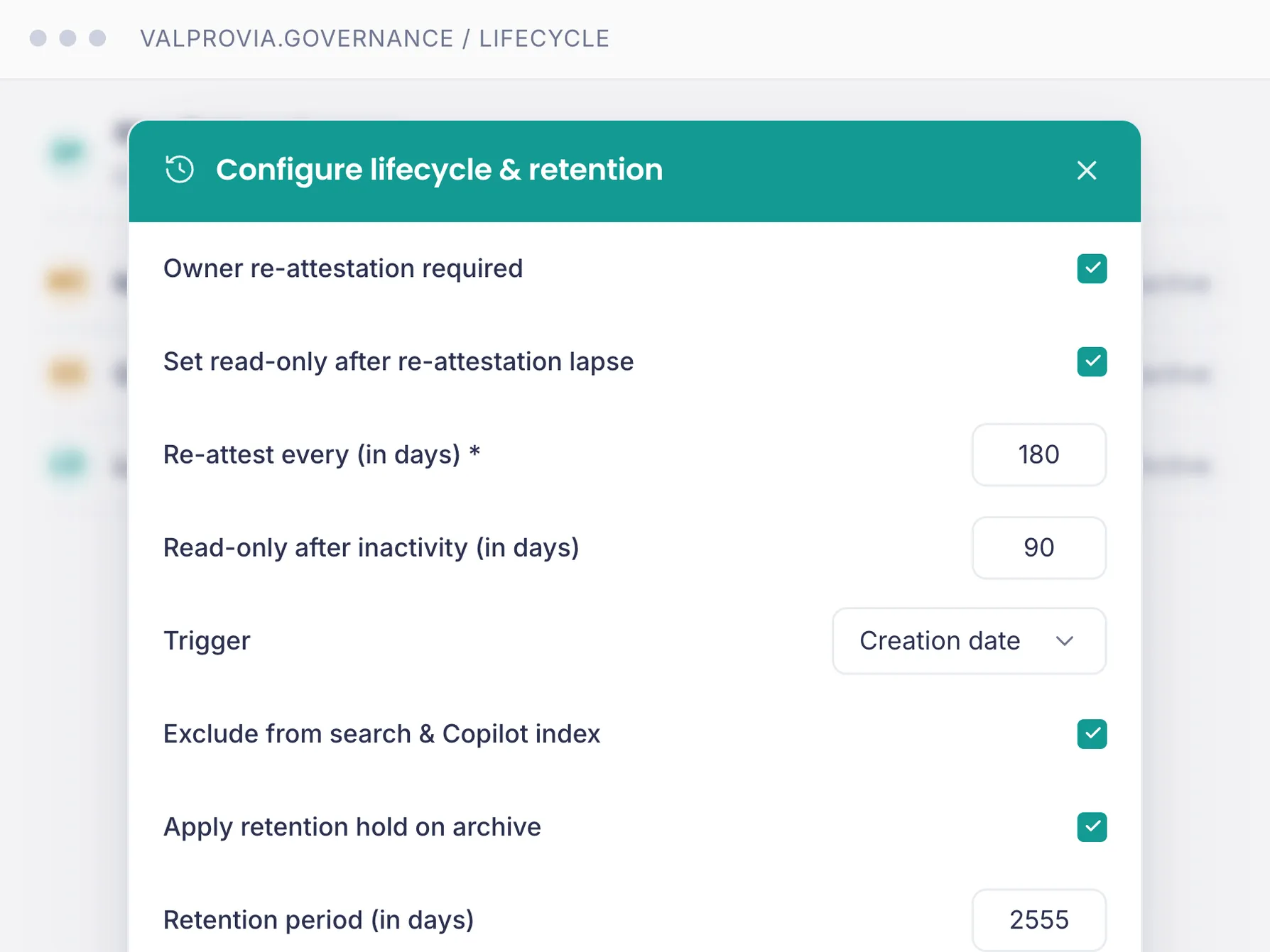
Sharing rules are defined IT-centrally per site, library and sensitivity label. External domains run via allowlist, external guests have automatic expiry dates. Anonymous links are disabled by default and only available where IT has enabled them for a specific classification. Audit trail included.
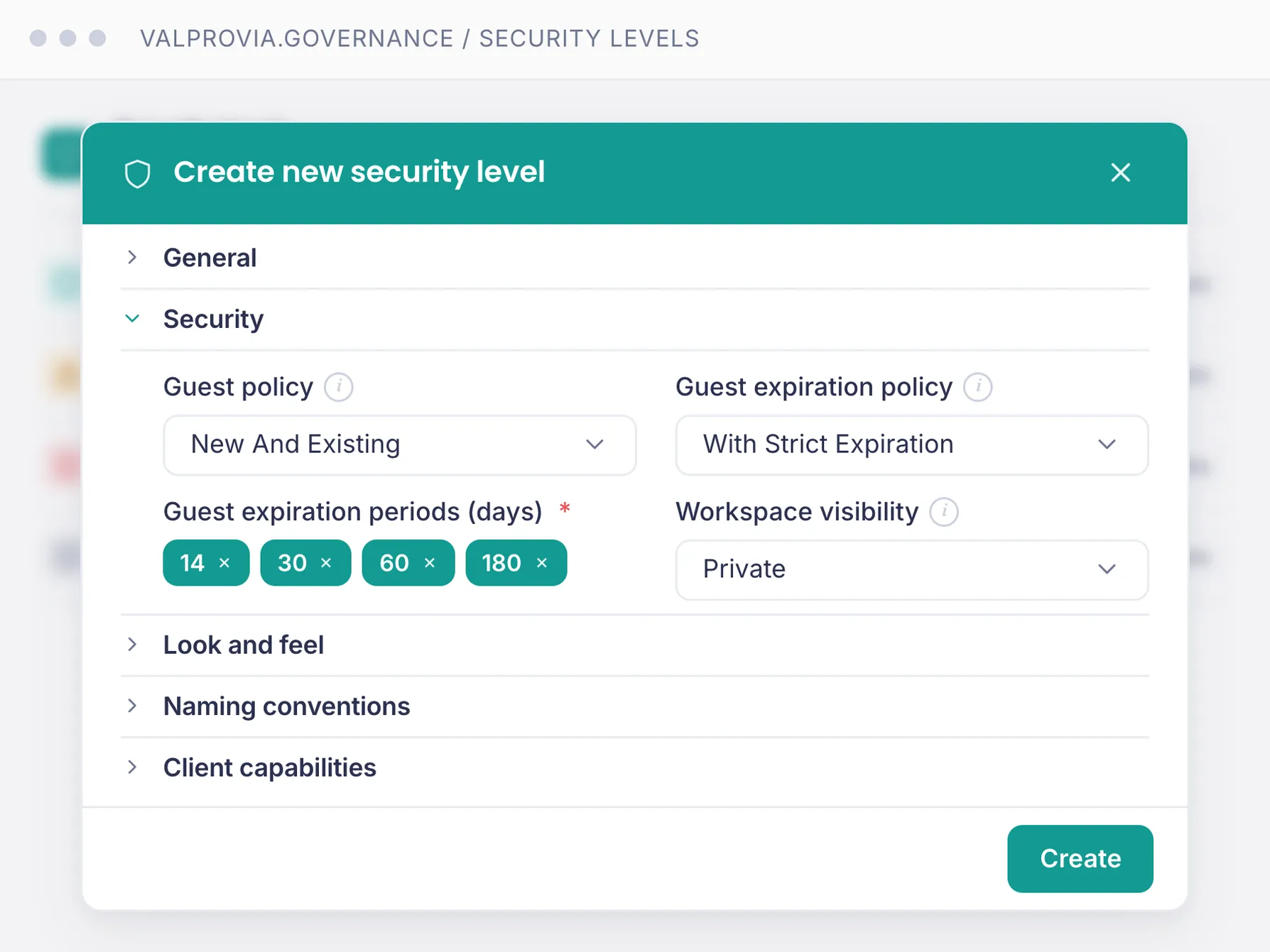
Lifecycle policies per site classification: inactivity detection, owner re-attestation, automatic read-only, exclusion from search and Copilot index, archive in retention hold and deletion after compliance deadline. External access and anonymous links are cleaned up during the lifecycle process.
We enforce technically. Others show you what already went wrong.
| Capability | Valprovia | Competitors |
|---|---|---|
| Site provisioning with classification and IT approval (no self-service) | ||
| Permissions exclusively via Azure AD security groups (direct grants technically blocked) | ||
| External sharing locked per sensitivity label (anonymous links only where IT permits) | ||
| Hub topology and information architecture not overridable (not even by site owners) | ||
| Lifecycle incl. exclusion from search and Copilot index (retention hold and audit trail) | ||
| Native Microsoft Teams app - used directly inside the Teams client | ||
| Self-hosted inside your own Azure tenant (no third-party cloud, no CLOUD Act exposure) |
IT architects design - Valprovia enforces. Reporting tools tell you what is already broken. Consulting frameworks stay on paper. Valprovia is the technical enforcement layer between IT architecture and SharePoint Online.
The same module covers Microsoft Teams Governance - the second application view on the same templates, permissions and lifecycle rules.
The canonical module overview: templates, permissions, lifecycle and self-service across Teams and SharePoint. Pricing, tier comparison, FAQ.
See the Governance module
Sister lens for Microsoft Teams: owner rights technically revoked, AD Group Sync for memberships, channel templates, guests with expiry dates.
See Teams Governance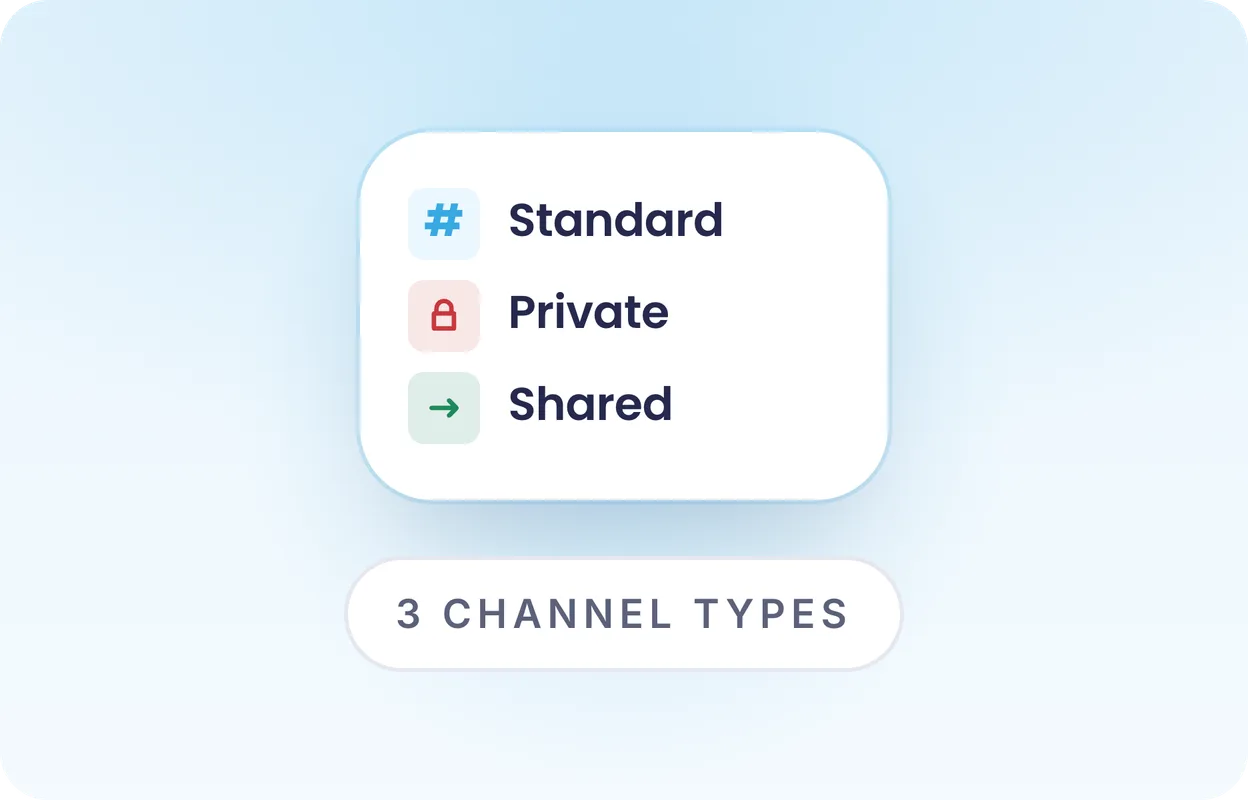
Structured creation and lifecycle for Microsoft Teams channels (Standard, Private, Shared). Enterprise-tier feature of the Governance module.
See Channel Management
Bring existing Microsoft Teams workspaces under Valprovia governance - without rebuilding. Template and policy application onto existing teams. Enterprise-tier feature.
See MigrationGerman UI, German documentation, support and onboarding in German. No language barriers in operations.
Valprovia runs as a single-tenant instance in your Azure tenant - your data never leaves your environment. No multi-tenant SaaS, no data replication to third parties.
Valprovia is deployed inside your Azure tenant. Your data stays in your environment - no shadow copies, no third-party data sharing, no CLOUD Act exposure.
With Valprovia as a partner, we were able to find an elegant Microsoft 365 governance solution for our clients so that they can now keep their workspaces in Microsoft 365 in sync.


The decision for Valprovia was easy for us because we immediately recognized the added value via drastically reducing administrative activities through Valprovia governance module.

What can a governance solution actually do for your organization? Our guide walks through the architecture, controls, and lifecycle policies that make Teams & SharePoint enterprise-ready - in 38 pages, no fluff.
 VALPROVIA


Answers to SharePoint-specific topics - provisioning, information architecture, permissions, sharing, orphaned sites. Module-wide questions (setup, pricing, migration) on the Governance module page.
Valprovia SharePoint Governance is the SharePoint application view of the Valprovia Governance module. It revokes Site Collection Administrator rights from end users, enforces templates for site creation, controls sharing settings, preserves permission inheritance technically and automates the site lifecycle - all self-hosted in your Microsoft 365 tenant.
Most governance tools are reporting-oriented: they surface problems (oversharing, broken inheritance, orphaned sites, anonymous links) that IT then has to fix manually - a reactive clean-up approach. Valprovia prevents these problems proactively through technical enforcement: Site Collection Admin rights are locked from end users by default, and standards are enforced at provisioning time rather than reported after the fact. Because the rights are technically revoked, the enforcement cannot be bypassed. Result: significantly less IT overhead for governance tasks.
Valprovia SharePoint Governance stops both preventively rather than reporting them after the fact: sites come only from IT-defined templates with fixed structure and sharing settings, Site Collection Admin rights are technically revoked from end users, permission inheritance cannot be broken, and orphaned sites are decommissioned automatically. Permission structure stays clean before sprawl and oversharing occur. Self-hosted in your own Azure tenant.
For complex and regulated SharePoint environments, technical enforcement and data sovereignty matter: Valprovia revokes Site Collection Admin rights from end users, enforces central templates and sharing rules, and runs self-hosted in your own Azure tenant - data never leaves your environment. Permissions run through security groups instead of individual users, which simplifies audits and compliance evidence.
Native SharePoint tooling requires IT to maintain structure, permissions and sharing for every site by hand - which does not scale and leads to site sprawl. Valprovia automates it: template-based site provisioning, centrally enforced sharing settings, permissions via security groups, and automatic decommissioning of orphaned sites. IT manages standards once instead of chasing every site.
End users request sites through Valprovia instead of directly in the SharePoint admin center. Every request includes business purpose, owner and deputy, data classification, lifecycle period and compliance requirements. IT approves or rejects, Valprovia provisions compliant to the stored template - including hub affiliation, library structure, permission model and sensitivity label. Self-service site creation in the SharePoint admin center stays disabled.
IT architects define hub topology, site designs, navigation structures and term store hierarchies in Valprovia. These structures are enforced automatically on every new site and cannot be overridden afterwards - not even by site owners. Existing information architecture can be imported via the Migration Tool (Enterprise tier) and placed under Valprovia governance, without rebuilding sites.
Sharing settings are technically locked: external guests, anonymous links and permission changes can only be enabled through IT-defined templates and allowlists. End users cannot bypass these settings. Sensitivity labels are assigned automatically at site creation and cannot be changed afterwards. Controlled sharing also keeps Microsoft 365 Copilot from surfacing content that was shared too broadly - a prerequisite for rolling Copilot out safely.
Valprovia identifies inactive sites automatically by defined rules (owner activity, access, date) and runs them through a lifecycle: owner re-attestation → read-only → archive → deletion. External access and anonymous links are cleaned up during the archive process. Content remains recoverable according to the retention policy.
No. Valprovia Governance is one module that covers both platforms together. One license per user, three tiers (Standard, Professional, Enterprise). Buying Teams Governance automatically includes SharePoint Governance - and vice versa.
Valprovia preserves permission inheritance technically: end users cannot "break" it, not even as Site Collection Administrator (a role they no longer hold technically). Granular custom roles (Read-Only, Contributor, External Partner) are defined IT-centrally and enforced automatically - no manual permission audits anymore.
Bring your site backlog. We show how the provisioning workflow classifies requests, how the permission model runs through Azure AD security groups, and how the IA kicks in on every new site automatically. Including a pricing proposal for your tenant size.