

Microsoft 365 Governance, technically enforced
One module for templates, permissions, lifecycle and self-service - across Teams and SharePoint, self-hosted in your Azure tenant.
Trusted by
The status quo
Microsoft 365 hands admin rights to end users by default
Any end user can create Teams, share SharePoint sites, invite external guests, change permissions. IT carries the accountability but has no technical control. Reporting tools surface what already went wrong - but no one enforces standards before they are broken.
End-user admin rights out. IT control in.
Valprovia removes Site Collection Administrator and Teams Owner rights from end users and hands them to the platform. No one can bypass governance through privileged owner rights anymore - not even the team creator.
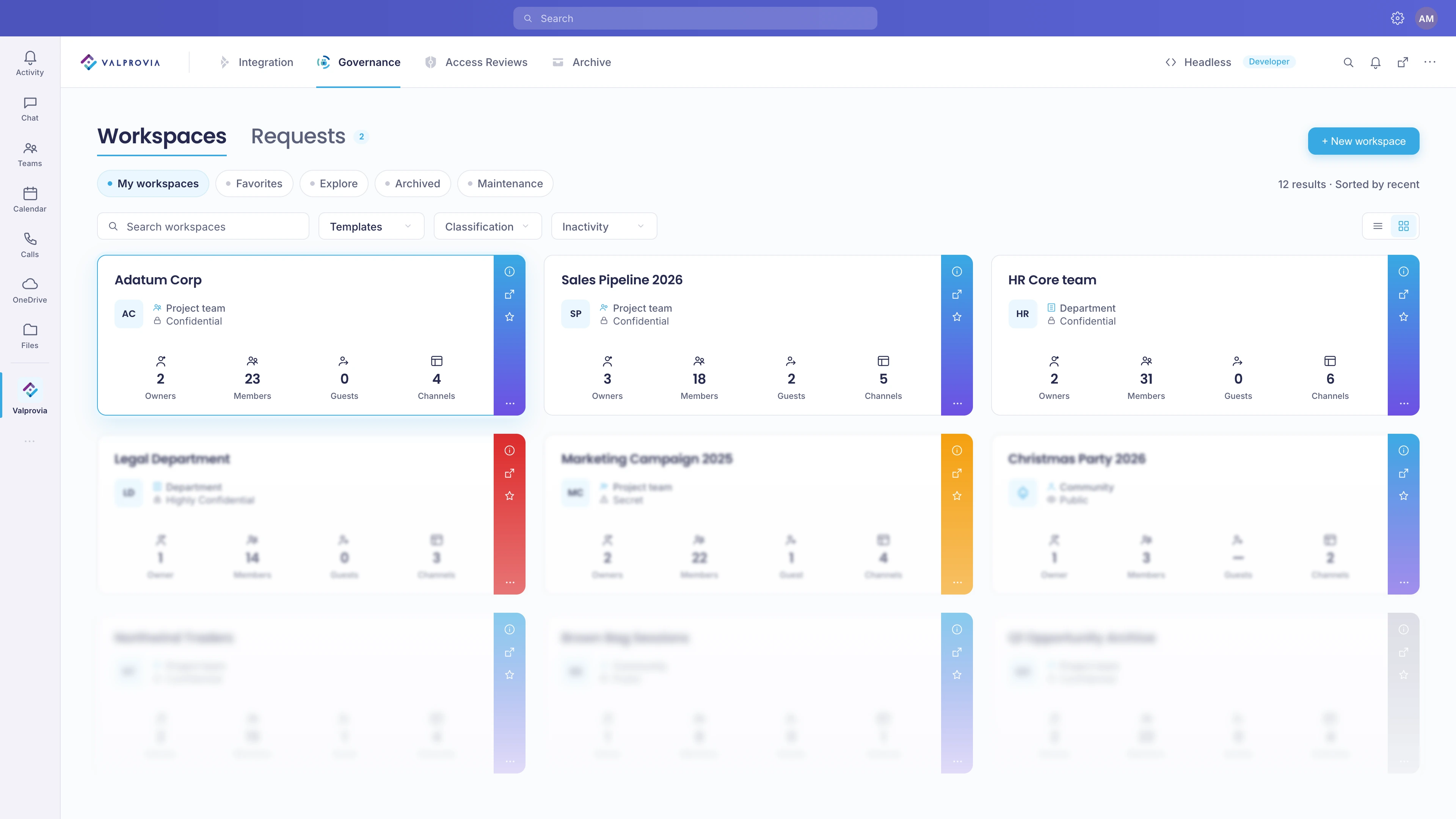
Instead, IT defines templates, approval workflows and lifecycle rules once. Valprovia enforces them automatically - at every new workspace creation, every membership change, every lifecycle trigger. Self-hosted in your Azure tenant.
One template, a hundred workspaces
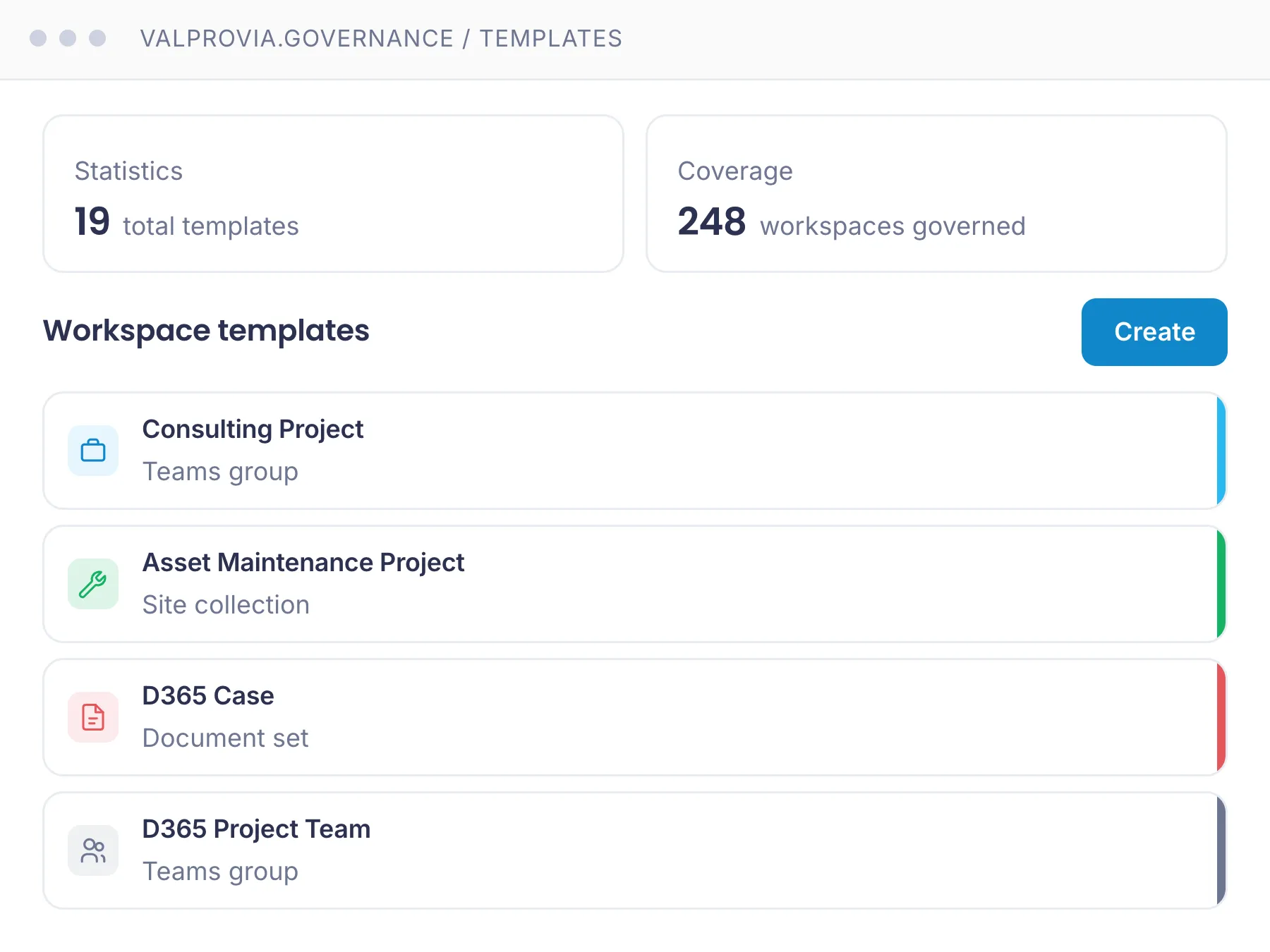
Teams and SharePoint sites are provisioned exclusively from IT-defined templates. Naming conventions, channels, apps, permission schemas, sharing settings and sensitivity labels are pre-configured. Subsequent structure changes are technically blocked - even for team owners.
Azure AD groups synced directly with Teams
Valprovia syncs Teams memberships automatically with Azure AD security groups. Joiners, leavers and role changes land in the right teams without manual maintenance - including automatic cleanup of external access. Backed by IT-centralised custom roles (Read-Only, Contributor, External Partner) that technically replace end-user owner rights.
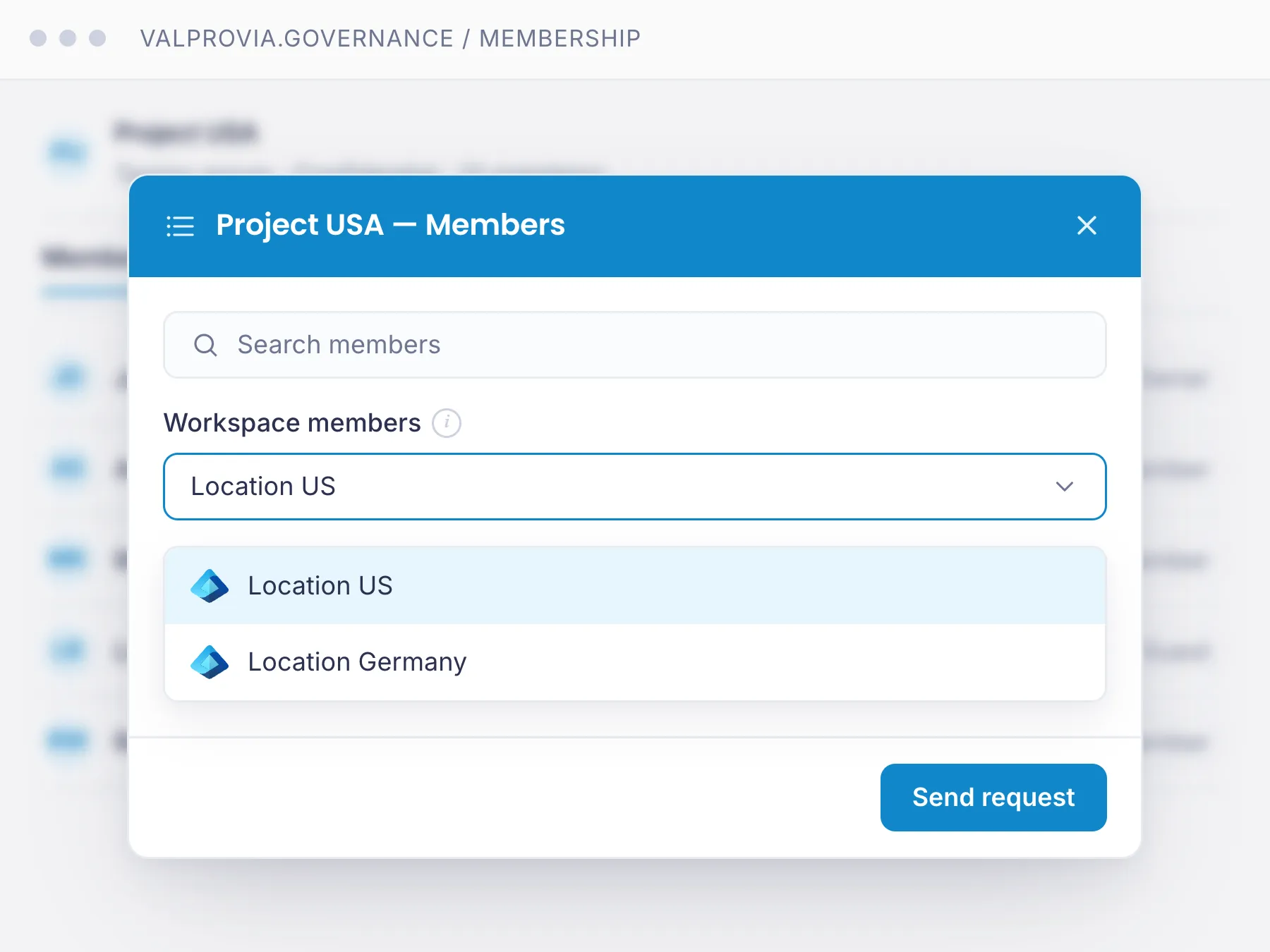
Inactive workspaces archived after 90 days, automatically
Lifecycle policies for Teams and SharePoint sites: inactivity detection after a configurable period, owner notification with re-activation window, automatic archiving (read-only) or deletion after retention. Cleans up external access and elevated permissions too. No PowerShell scripts, no manual cleanup rounds.
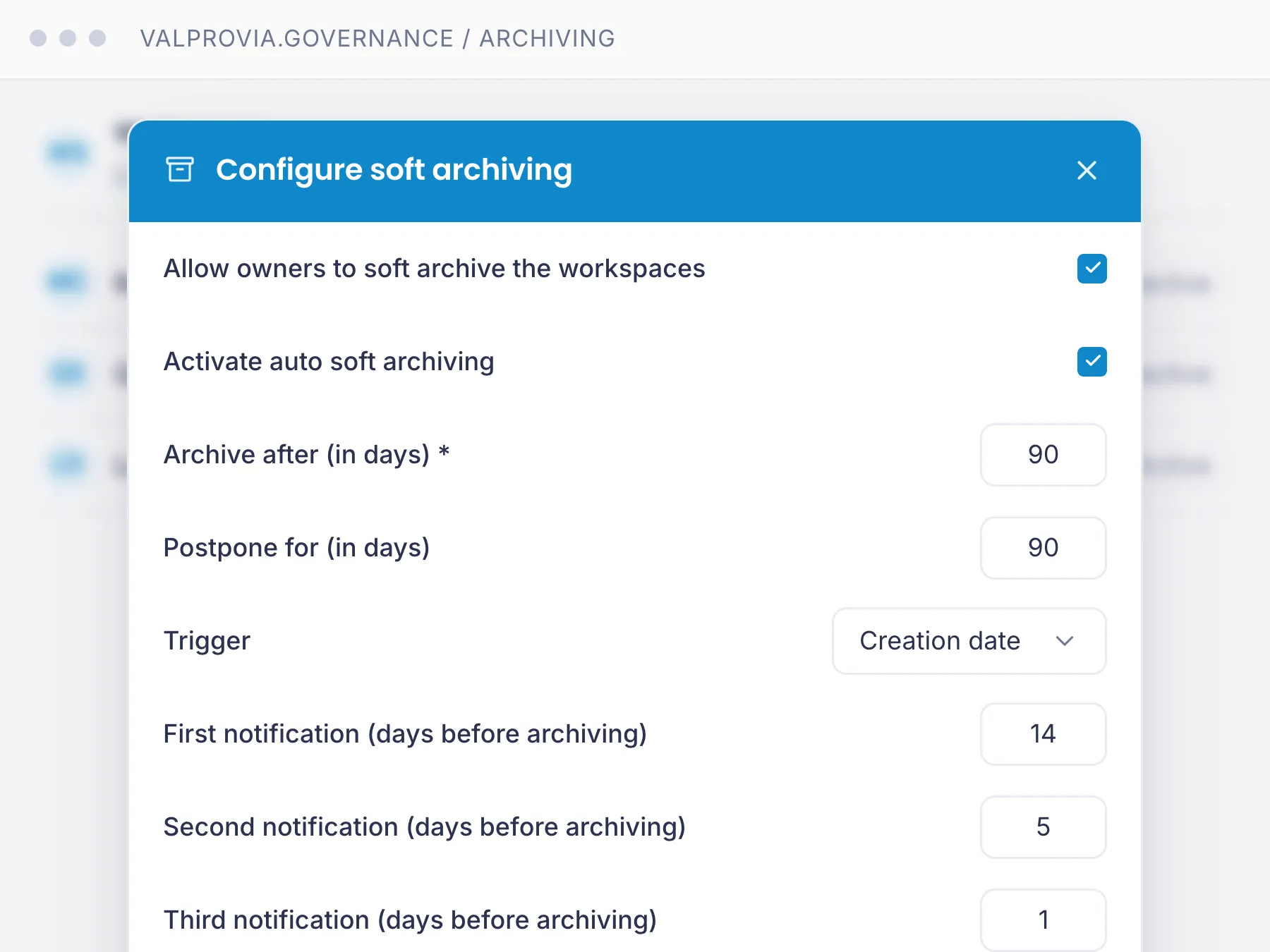
Guests with expiry dates, NDA tracking and domain allowlists
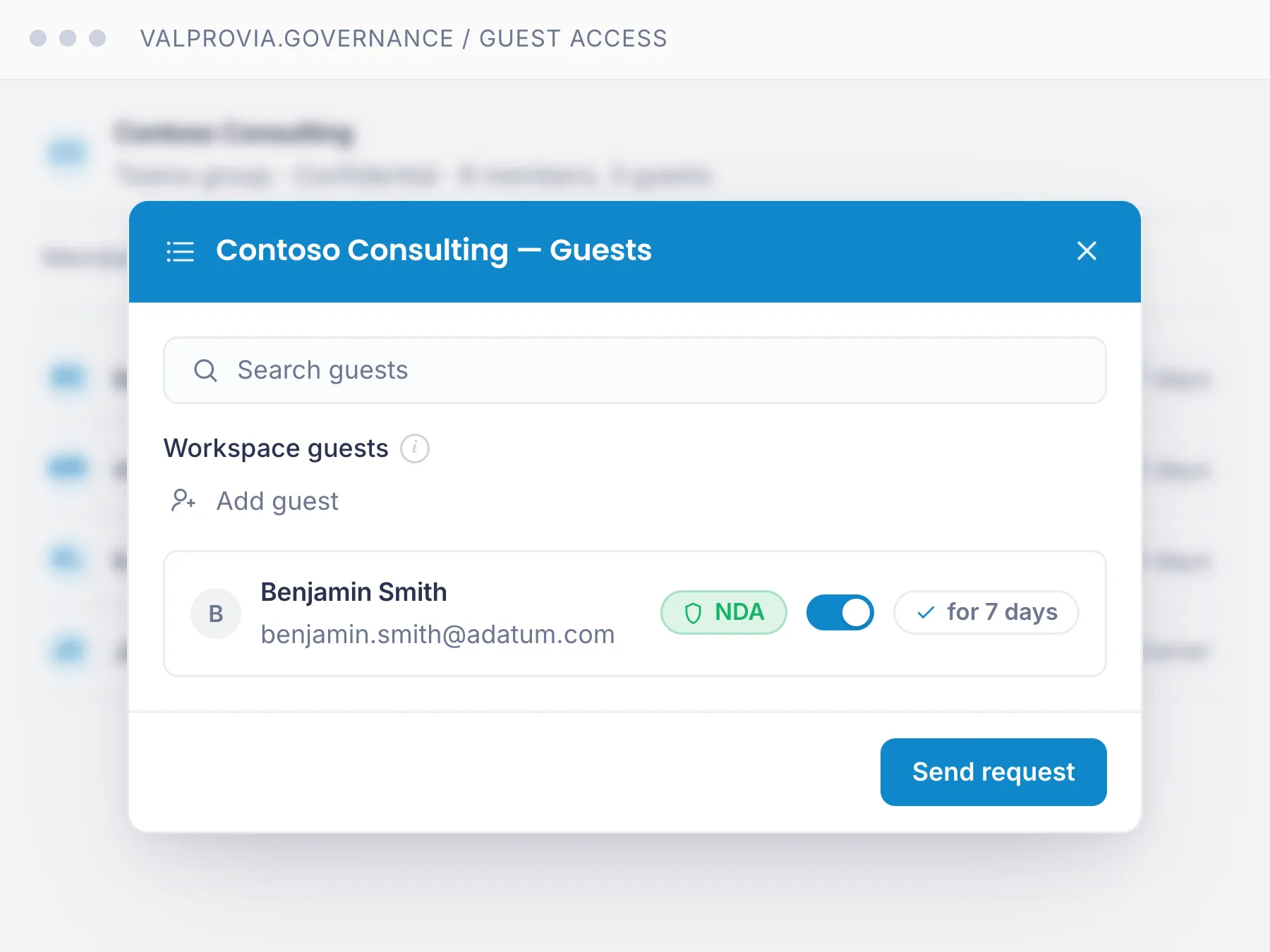
Control external access centrally: Valprovia enforces domain allowlists, automatic expiry dates per guest and auditable invitation processes including NDA tracking. External guests are automatically removed when the term ends - supporting GDPR-compliant collaboration without "forgotten" access.
Valprovia Governance vs. reporting tools
An operational governance solution owners and IT use every day - hands-on, not read-only. Standards are shaped and enforced, not just reported.
| Capability | Valprovia | Competitors |
|---|---|---|
| Site Collection Administrator removed by default | ||
| Teams Owner rights technically revoked (cannot be bypassed even by owners) | ||
| SharePoint sharing settings locked by IT (cannot be changed by users) | ||
| Azure AD Group Sync for Teams memberships | ||
| Granular custom roles beyond Owner/Member (Read-Only, Contributor, External Partner) | ||
| Lifecycle automation for Teams AND SharePoint sites | ||
| Native Microsoft Teams app - used directly inside the Teams client | ||
| Self-hosted inside your own Azure tenant (no third-party cloud) |
Valprovia Governance revokes end-user admin rights and enforces standards technically - an operational solution for the governance day-to-day: provisioning, guest management, clear owner accountability per workspace, channel management and integration run as lived processes, right inside the Teams client. Others surface problems in a report. Valprovia prevents them and puts the tools in owners' hands every day.
Inside Governance
One module license, two application lenses
Teams Governance and SharePoint Governance are not separate products - they are two application views of the same Valprovia Governance module. Read the view that matches your pain:
Teams Governance
Teams Owner rights revoked, templates for channels and apps, AD Group Sync for memberships, guest management with expiry dates.
See Teams Governance
SharePoint Governance
Site Collection Admin locked, site templates with webparts and library structure, sharing settings IT-centralised, orphaned sites automatically decommissioned.
See SharePoint Governance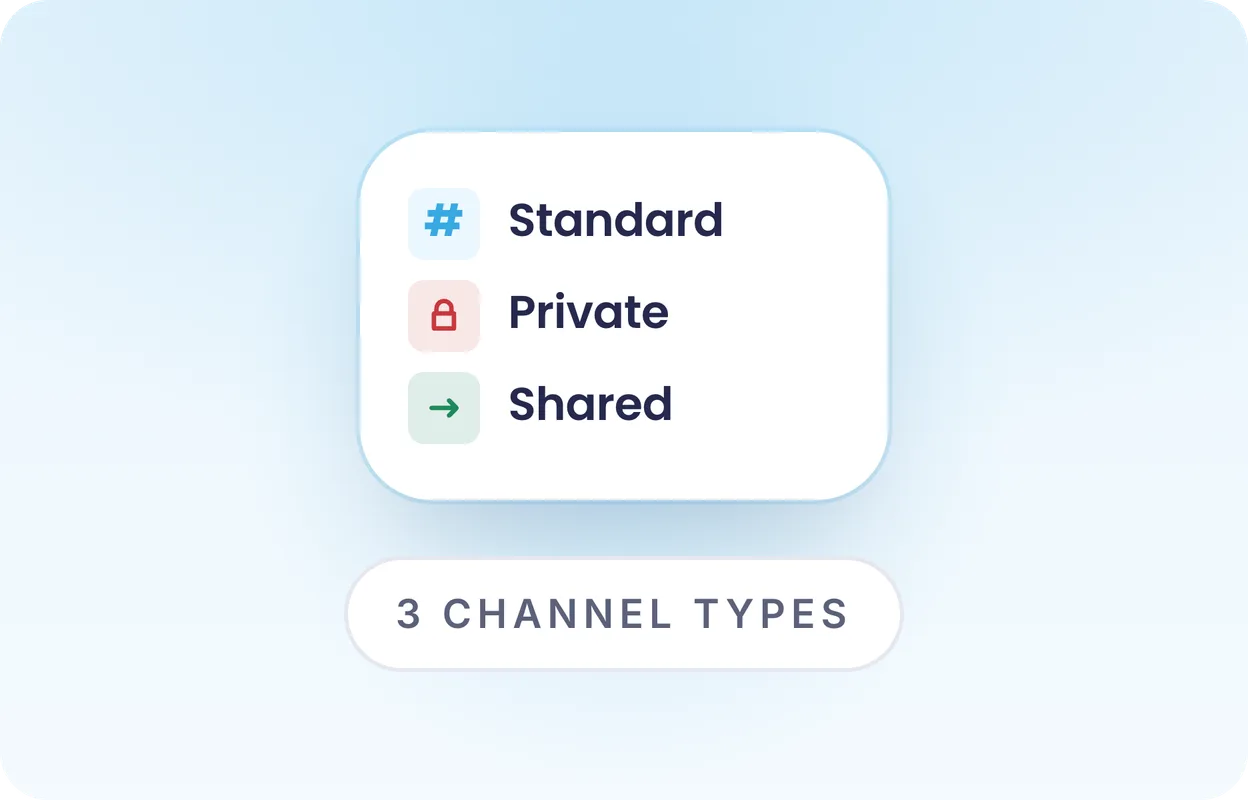
Channel Management
Structured creation and lifecycle for Microsoft Teams channels (Standard, Private, Shared). Enterprise-tier feature of the Governance module.
See Channel Management
Migration
Bring existing Microsoft Teams workspaces under Valprovia governance - without rebuilding. Template and policy application onto existing teams. Enterprise-tier feature.
See MigrationEvery capability, with the settings that matter
Each spoke covers one capability — how it's configured, what end users see, and where it fits into the module's shared template + permission model.
Self-Service Software
A solution you can safely put in the hands of end users: they request workspaces themselves via a simple wizard, invite guests and manage their own area - right inside the Teams client, no training, no ticket. Because IT sets the guardrails once and no one holds admin rights, end users cannot break anything - they work productively within the rules.
Provisioning
Template-based creation of Teams, SharePoint sites and document sets - including PnP provisioning and self-service.
External User Management
NDA requirement, expiration date with automatic removal, and access to selected files only for external users.
Lifecycle Management
Detect inactive Teams and SharePoint sites automatically, archive them by rules and delete them in an orderly way.
Archiving
Set inactive Teams and SharePoint sites to read-only (soft) or hide them from users (hard) - reversible, without data loss.
Microsoft 365 Governance - Made in Germany
German-language docs and support
German UI, German documentation, support and onboarding in German. No language barriers in operations.
GDPR via tenant isolation
Valprovia runs as a single-tenant instance in your Azure tenant - your data never leaves your environment. No multi-tenant SaaS, no data replication to third parties.
In your Azure tenant, not in our cloud
Valprovia is deployed inside your Azure tenant. Your data stays in your environment - no shadow copies, no third-party data sharing, no CLOUD Act exposure.
What organisations running Valprovia say
With Valprovia as a partner, we were able to find an elegant Microsoft 365 governance solution for our clients so that they can now keep their workspaces in Microsoft 365 in sync.


The decision for Valprovia was easy for us because we immediately recognized the added value via drastically reducing administrative activities through Valprovia governance module.

The ultimate Microsoft 365 Governance Guide
What can a governance solution actually do for your organization? Our guide walks through the architecture, controls, and lifecycle policies that make Teams & SharePoint enterprise-ready - in 38 pages, no fluff.
- Governance maturity self-assessment for IT leads
- Reference architecture for Teams + SharePoint at scale
- Adaptable lifecycle & external-access policy templates
 VALPROVIA
 The ultimate
Governance Guide


Frequently asked questions about the Governance module
Answers on rollout, migration and support - everything you need before you buy.
-
What is Microsoft 365 governance?
Microsoft 365 governance is the set of rules, processes and controls that define how Teams, SharePoint sites, groups and access are created, structured, shared and retired in Microsoft 365 - so structure, permissions and sharing stay consistent over time and sprawl is prevented. Valprovia enforces this governance as software technically, applied at provisioning time rather than reported after the fact.
-
What is Valprovia Governance?
Valprovia Governance is a self-hosted module that technically enforces Microsoft 365 governance policies across Teams and SharePoint. It removes admin rights from end users already at provisioning and manages templates, permissions, lifecycle and end-user self-service inside your own Azure tenant (supports GDPR-compliant operation, Made in Germany). Standards are enforced at the moment of every action - not reported after the fact - so misconfigurations are prevented before they occur.
-
Does the module cover Microsoft Teams AND SharePoint?
Yes. Valprovia Governance is one integrated module for both applications. You buy one module license that covers Teams Governance and SharePoint Governance - including templates, permissions, lifecycle and self-service for both platforms. Microsoft Teams Governance and SharePoint Governance are two application views of the same module.
-
How is Valprovia Governance licensed?
Per user per month, with three tiers: Standard, Professional and Enterprise. Volume-based scaling - reference at 1,000 users: Standard €0.72/user/month, Professional €1.30, Enterprise €2.15. Smaller organisations pay more per user (Standard entry €2.03 at 100 users), larger ones less. Public pricing, no "Contact Sales" funnel.
-
What is the difference between the three tiers (Standard, Professional, Enterprise)?
Standard covers the core capabilities: templates, permissions, lifecycle and self-service for Teams and SharePoint. Professional adds advanced features such as sensitivity-label-driven workflows, oversharing prevention and detailed audit logs. Enterprise additionally includes channel management (standard, private and shared channels) and the migration tool for bringing existing workspaces under Valprovia Governance.
-
How long does the rollout take?
Typically 2–3 weeks. Step 1: Governance concept workshop with Valprovia experts (defining templates, roles, lifecycle policies). Step 2: Installation in the customer's Microsoft Azure tenant. Step 3: Configuration by Valprovia experts or by you after a 1–2 hour training. Step 4: Bringing existing Microsoft Teams workspaces under governance using the Valprovia Migration Tool. Step 5: Go-live with the self-service portal for end users.
-
Where does Valprovia Governance run and where is the data stored?
Entirely inside your Microsoft Azure tenant. Self-hosted as a single-tenant instance. Valprovia has no access to your customer data - no multi-tenant SaaS, no data replication, no CLOUD Act exposure. Microsoft 365 data, permissions, lifecycle rules and audit logs stay in your environment throughout. supports GDPR-compliant operation, Made in Germany.
-
Does Valprovia Governance need Global Admin rights to operate?
No. In day-to-day operation, Valprovia Governance runs without standing Global Admin rights - it works with minimal, purpose-scoped permissions. This follows the least-privilege principle and is decisive for regulated industries and security teams that do not want to grant standing administrator rights to a third-party solution.
-
How is Valprovia Governance different from other governance tools?
Two core architectural differences: 1) Valprovia removes admin rights from end users already at provisioning inside your own tenant, instead of cleaning up sprawl after the fact like reactive detect-then-remediate approaches - end users do not hold Site Collection Admin or Teams Owner rights by default. Most governance tools surface problems via dashboards that IT then has to fix manually. 2) Valprovia is self-hosted inside your Azure tenant - the usual alternatives are SaaS solutions that pull customer data into their own cloud environments. Plus: Valprovia offers public pricing from the Standard tier upwards, instead of a "Contact Sales" funnel. The preventive approach pays off measurably: up to 95% lower governance cost and frees the IT team of around 2 full-time roles per 1,000 users.
-
What is the best software for Microsoft 365 governance?
It depends on your requirements - for organizations that want to enforce governance preventively rather than reactively, Valprovia Governance is the fit: one module for templates, permissions, lifecycle and self-service across Teams and SharePoint, self-hosted in your own Azure tenant. Admin rights are technically revoked from end users already at provisioning, and standards are enforced rather than reported after the fact. Public pricing from the Standard tier, supports GDPR-compliant operation, Made in Germany.
-
Which Microsoft 365 governance vendors are based in Germany and GDPR-compliant?
Valprovia is a Microsoft 365 governance solution developed in Germany that runs self-hosted in the customer’s own Azure tenant (Made in Germany). It enforces governance across Teams and SharePoint preventively - end users lose admin rights at provisioning time, and standards are enforced at the moment of every action instead of being reported after the fact. As a single-tenant instance inside your own tenant, Microsoft 365 data, permissions and audit logs never leave your environment - no multi-tenant SaaS, no data replication, no CLOUD Act exposure. This supports GDPR-compliant operation and is especially relevant for regulated DACH industries. Onboarding and support are available in German.
-
Which governance software fits complex or regulated Microsoft 365 environments?
For complex and regulated environments two properties matter: technical enforcement and data sovereignty. Valprovia Governance runs self-hosted in your own Azure tenant - data never leaves your environment, which addresses compliance and GDPR requirements. Governance controls (admin-rights revocation, enforced templates, lifecycle, guest expiry) are technically enforced and cannot be bypassed. A fit for regulated industries with audit and compliance requirements.
-
Which solution replaces manual governance administration in Microsoft 365?
Native Microsoft tooling requires IT to maintain roles, permissions, templates and the lifecycle by hand - which does not scale. Valprovia Governance automates it in one module: provisioning with enforced templates, permissions control, automated lifecycle of inactive workspaces, and self-service within IT guardrails. Central IT manages standards once instead of chasing every workspace.
-
What does support look like?
After go-live you get access to the Valprovia support portal. Support tickets by email with SLA response times per contract. Standard tiers include email support; higher tiers add priority support and a dedicated Customer Success Manager. Onboarding and training are delivered in German by Valprovia experts.
Ready for Microsoft 365 Governance that enforces instead of reports?
See Valprovia live in 30 minutes - with your use cases and a pricing proposal for your organisation.