


Valprovia Channel Management
Give users the freedom to request private, shared and standard channels in self-service. The Channel Management Add-On handles the management of external users within Microsoft Teams Channels.
Trusted by


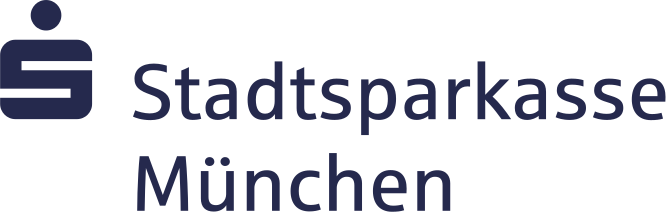


Next challenge: Microsoft Teams Channel Governance
Over 70% of companies let their end users create teams and channels without restrictions. External users often retain access indefinitely – a compliance risk that IT can hardly manage manually.
Channel Management Features
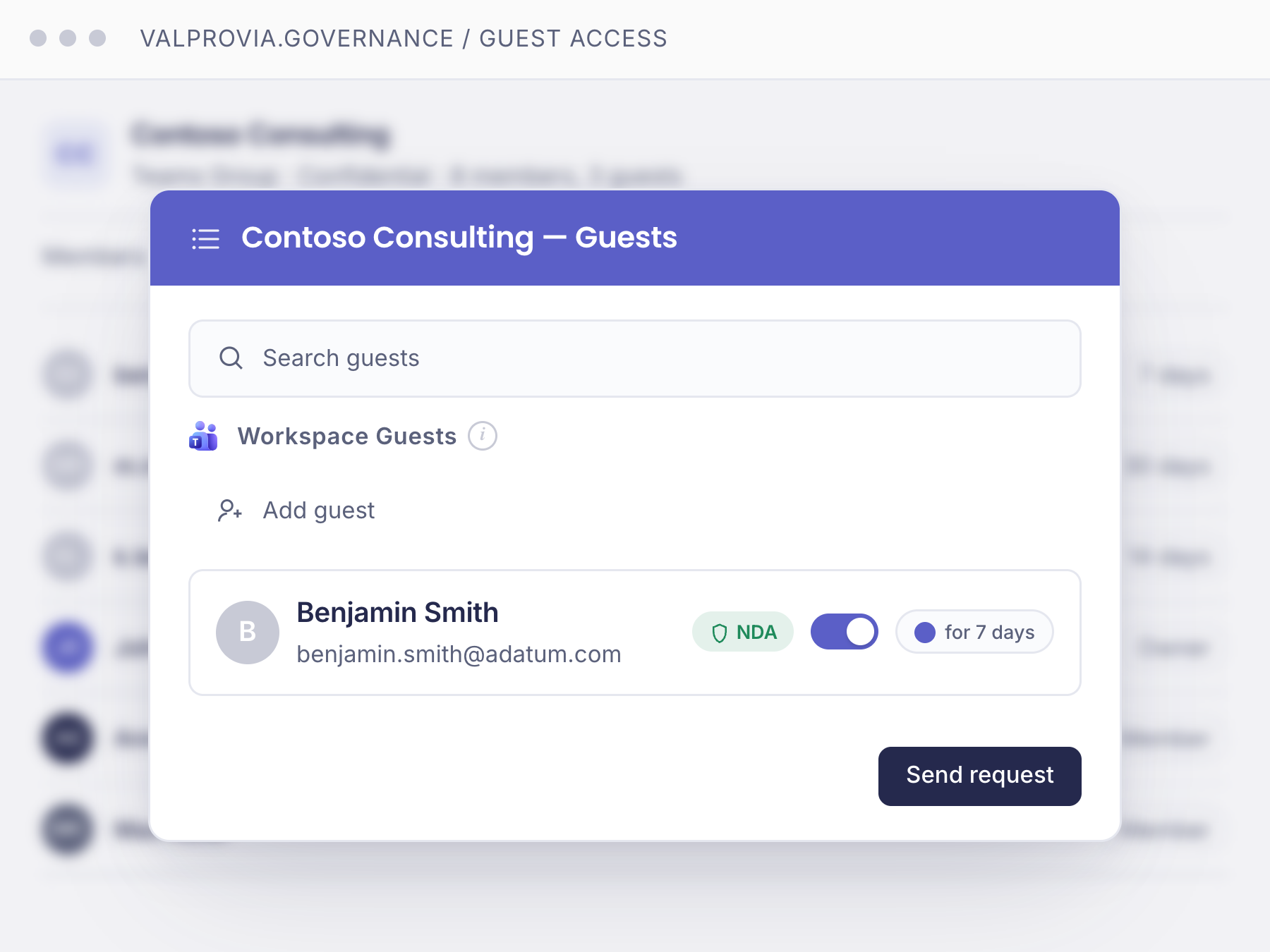
Invite external guests with expiration dates
Add an expiration date when inviting external users to a Shared Channel, so Valprovia automatically removes them once the date passes.
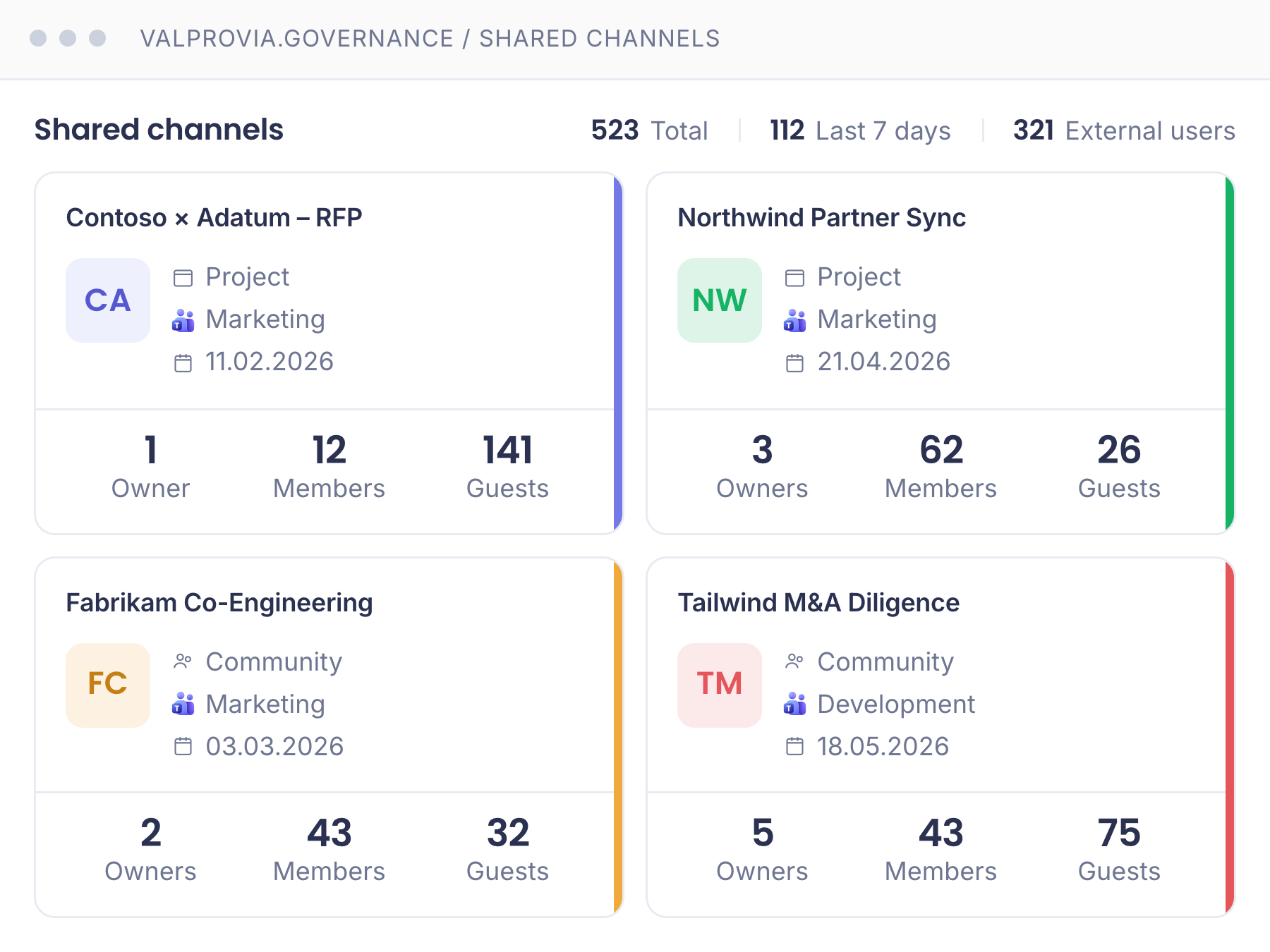
Full control over Shared Channels
Reporting gives you full control over the shared channels and external users within these shared channels at all times.
Self-service channels with approval process
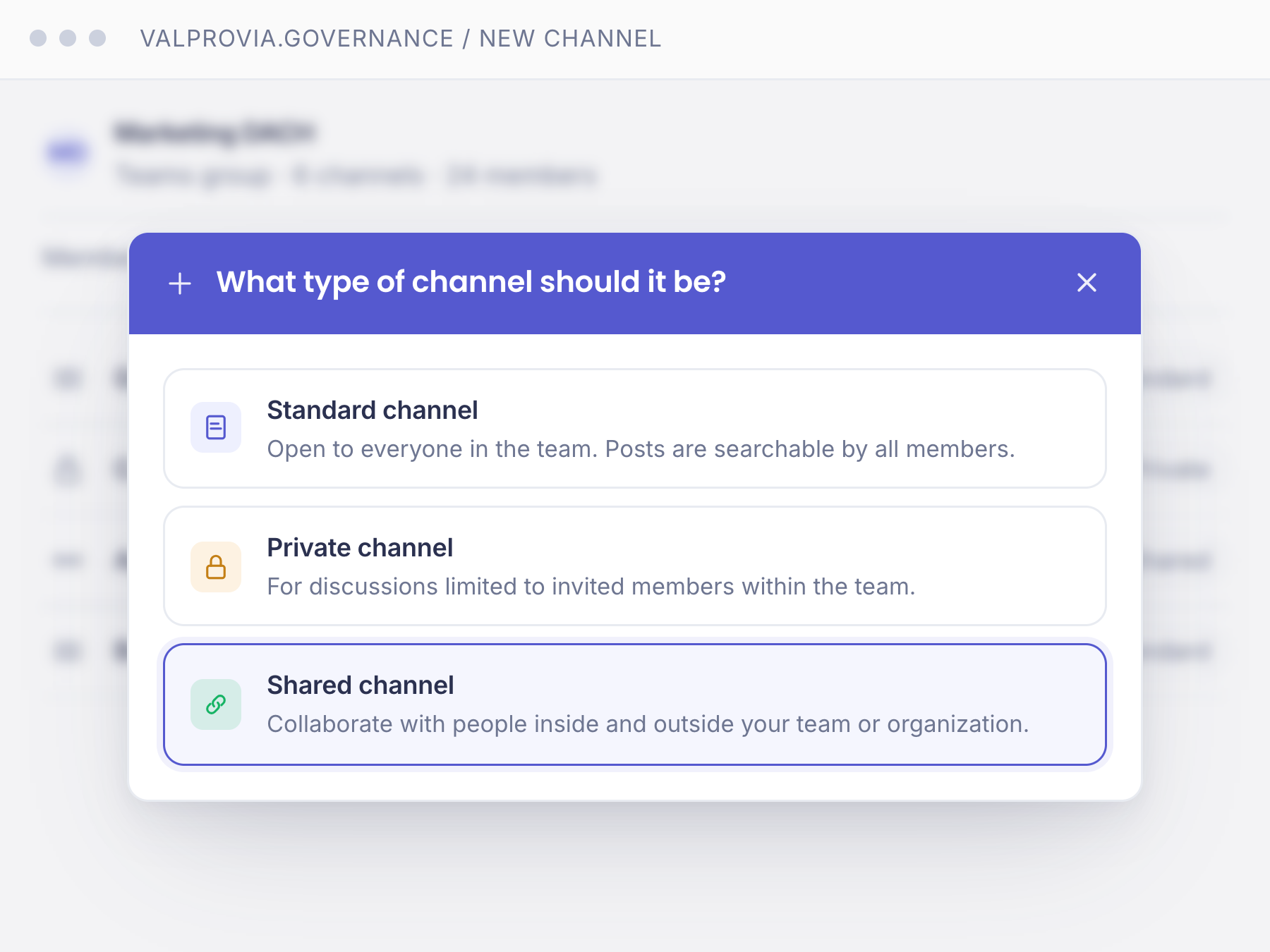
Allow end users to request channels in self-service. Decide whether channels can be created in Microsoft Teams with or without an approval process. Automate the template-based creation of site collections that are created with private or shared channels.
Further functionalities
Beyond the core features, Channel Management offers a range of complementary building blocks for secure, compliant channel governance.
Data protection
Security & Compliance policies are respected by restricting the management of external users' access rights via time-limited permissions.
Templates
Create reusable channel templates with predefined permissions, apps, and structure – consistent across every request.
Guest management
Manage external guests centrally with clear roles, expiration dates, and automatic offboarding when projects end.
Shared Channels Support
Valprovia Shared Channels Management Add-On manages your shared channels so you don't have to worry about them manually.
PnP Template Support
Benefit from the extensive features of Microsoft PnP Provisioning Templates. PnP is natively integrated into Valprovia.
Reporting
Gain an overview of all channels with a single click.
Valprovia Channel Management Add-On vs Microsoft Teams Standard
| Features | Valprovia Channel Management | Microsoft Standard |
|---|---|---|
| Self-service channel creation with approval process | ||
| Expiration dates for external guests in Shared Channels | ||
| Template-based channel provisioning | ||
| Centralized reporting across all channels | ||
| Native PnP Provisioning Template integration | ||
| Automatic lifecycle management for channels |
With Valprovia Channel Management you keep full IT control over channels as part of preventive Microsoft Teams governance – without restricting the self-service convenience for end users.
Frequently asked questions
-
What is Valprovia Channel Management?
Valprovia Channel Management is an extension for Valprovia that can be purchased in addition to Valprovia. It enables central management of private, shared and standard channels in Microsoft Teams – including external guests, self-service and lifecycle.
-
How is Channel Management activated?
The Channel Management Add-On can be activated on your tenant within a few minutes. Contact us to do so.
-
Which channel types are supported?
Valprovia Channel Management manages all currently available channel types in Microsoft Teams: standard channels, private channels, and shared channels (with external tenants).
-
Which licensing models are available?
We currently offer a purchase option where there is only a one-off cost to buy the solution and license your users. We also offer a rental option where costs are charged on a monthly basis.
The ultimate Microsoft 365 Governance Guide
What can a governance solution actually do for your organization? Our guide walks through the architecture, controls, and lifecycle policies that make Teams & SharePoint enterprise-ready - in 38 pages, no fluff.
- Governance maturity self-assessment for IT leads
- Reference architecture for Teams + SharePoint at scale
- Adaptable lifecycle & external-access policy templates
 VALPROVIA
 The ultimate
Governance Guide


Take control of Microsoft Teams Channels
Talk to one of our experts – together we create your individual plan.