External guests pile up in Microsoft Teams: guest memberships come with no expiration by default. When a project ends, access to team data remains until someone revokes it manually - a growing data risk. Valprovia Governance enforces a mandatory expiration date, removes guests automatically once the term ends, and limits which domains guests may be invited from at all.
How do you manage external users in Microsoft Teams?
External user management in Microsoft Teams means governing the entire lifecycle of external guests (guest accounts): who may invite them, which domains they come from, what they can access and - crucially - when their access ends again. External guests are a governance risk because their membership in Microsoft 365 has no expiration by default: when the collaboration ends, access to team and SharePoint data remains until someone actively revokes it. Over months, orphaned guest accounts with access to sensitive data accumulate this way - a classic entry point for data exfiltration and a compliance finding in every audit.
Two ways to collaborate
Microsoft Teams offers two ways to collaborate externally: guest access invites external users directly into a team and grants access to the data stored there; external access only allows chat communication across domain boundaries. In both cases externals use their own company account - no new accounts are needed.
Where Microsoft stops
For the automatic expiration and review of guests, Microsoft does offer native building blocks - but in Microsoft Entra ID Governance: Entitlement Management bundles access into Access Packages with an expiration date, and Access Reviews let you periodically confirm or revoke guest accounts. Both, however, require Entra ID P2 licenses and a multi-step setup of catalogs, policies and campaigns, and they live in the Entra admin portal, not in the team owners' workflow. In the Microsoft Teams standard itself there is little control beyond a guest-access toggle: team owners add externals quickly, but memberships are permanent and must be removed manually per team. Governance closes exactly this gap between "too coarse in the Teams standard" and "too complex in Entra".
Automated guest governance
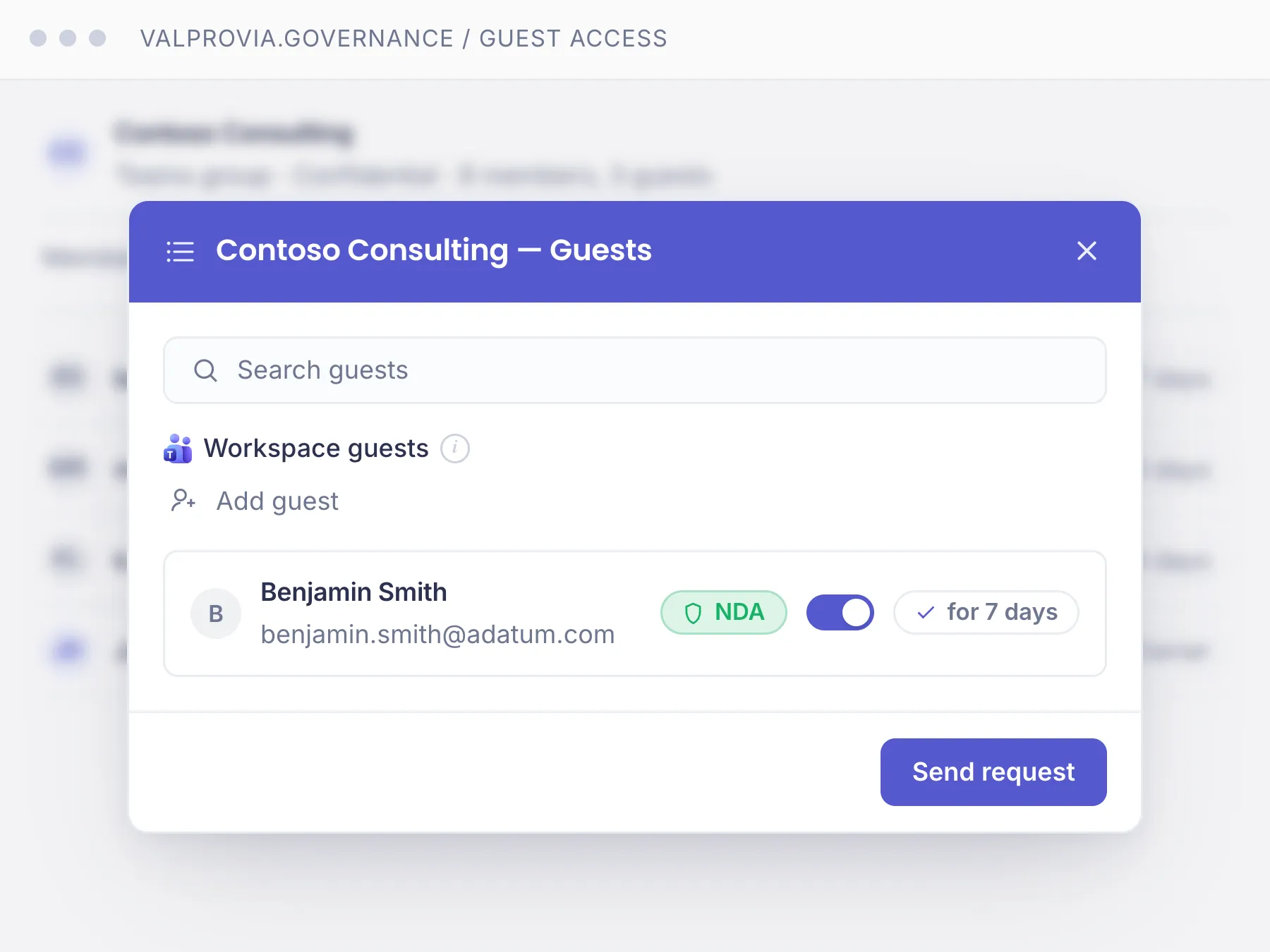
Valprovia Governance automates exactly that: every guest invitation requires a mandatory expiration date, and once it passes the guest is removed automatically - the owner can extend it beforehand. Domain allowlists define which domains guests may be invited from, and a guest policy controls who can invite guests at all. NDA status is tracked per guest and workspace, and guests see only the workspaces they are invited to - no directory, no Admin Portal. External collaboration stays possible without losing control. More in the Microsoft Teams governance module.
Part of the Valprovia Governance module
External user management is part of the Governance module
External user management is not a standalone tool - it is a capability of the Valprovia Governance module, alongside provisioning, lifecycle management and self-service. One license, one tenant, all governance capabilities.
Frequently asked questions about external user management in Microsoft Teams
What is Entra Entitlement Management or the guest account lifecycle?
Entitlement Management is the native feature of Microsoft Entra ID Governance that bundles external access into "Access Packages" with a defined expiration date, mapping the lifecycle (guest account lifecycle) of a guest from invitation to automatic removal. It is complemented by Access Reviews, which let you periodically confirm or revoke guest accounts. Both require Entra ID P2 licenses and live in the Entra admin portal.
Why are the native Entra guest features often not enough?
Technically, Entitlement Management and Access Reviews cover the guest lifecycle; in practice it usually fails on the effort involved: P2 licenses for all affected accounts, a multi-step setup of catalogs, Access Packages and review campaigns, and operation in the Entra admin portal rather than in the team owners' workflow. Anyone without a dedicated governance configuration resorts instead to PowerShell scripts or manual cleanup. Valprovia Governance delivers the same flow - mandatory expiration date, automatic removal, domain allowlist - pre-configured and right at workspace creation, with no P2 catalog build-out.
What is the difference between guest access and external access?
Guest access invites external users directly into a team and gives them access to the data stored there. External access only allows chat communication across domain boundaries, without file access. In both cases externals use their own company account.
Why is managing external users manually a risk?
In the Microsoft standard, guest memberships are permanent and must be removed manually per team. If externals are forgotten after a project ends, they keep uncontrolled access to team data - a security and compliance risk. The effort also grows linearly with the number of external users.
How are external users removed automatically?
Externals are invited with an expiration date. Once it passes, Valprovia Governance removes them from the team automatically - no manual follow-up. The owner can extend the expiration date at any time if the collaboration continues.
Can I restrict guests to specific domains?
Yes. Domain allowlists define which external domains guests may be invited from (e.g. only @partner-company.com). The allowlist is configured globally and can be overridden per template or security level.
Who is allowed to invite external guests?
A guest policy controls this with four options: nobody, anybody, only guests already in the tenant, or new and existing guests. IT decides how open external collaboration is per workspace.
Is NDA signing tracked?
Yes. When NDA management is enabled in the template, guests cannot be invited without a confirmed NDA status. The status is tracked per guest and workspace, and administrators can view NDA compliance across all workspaces.
What do external guests see in the environment?
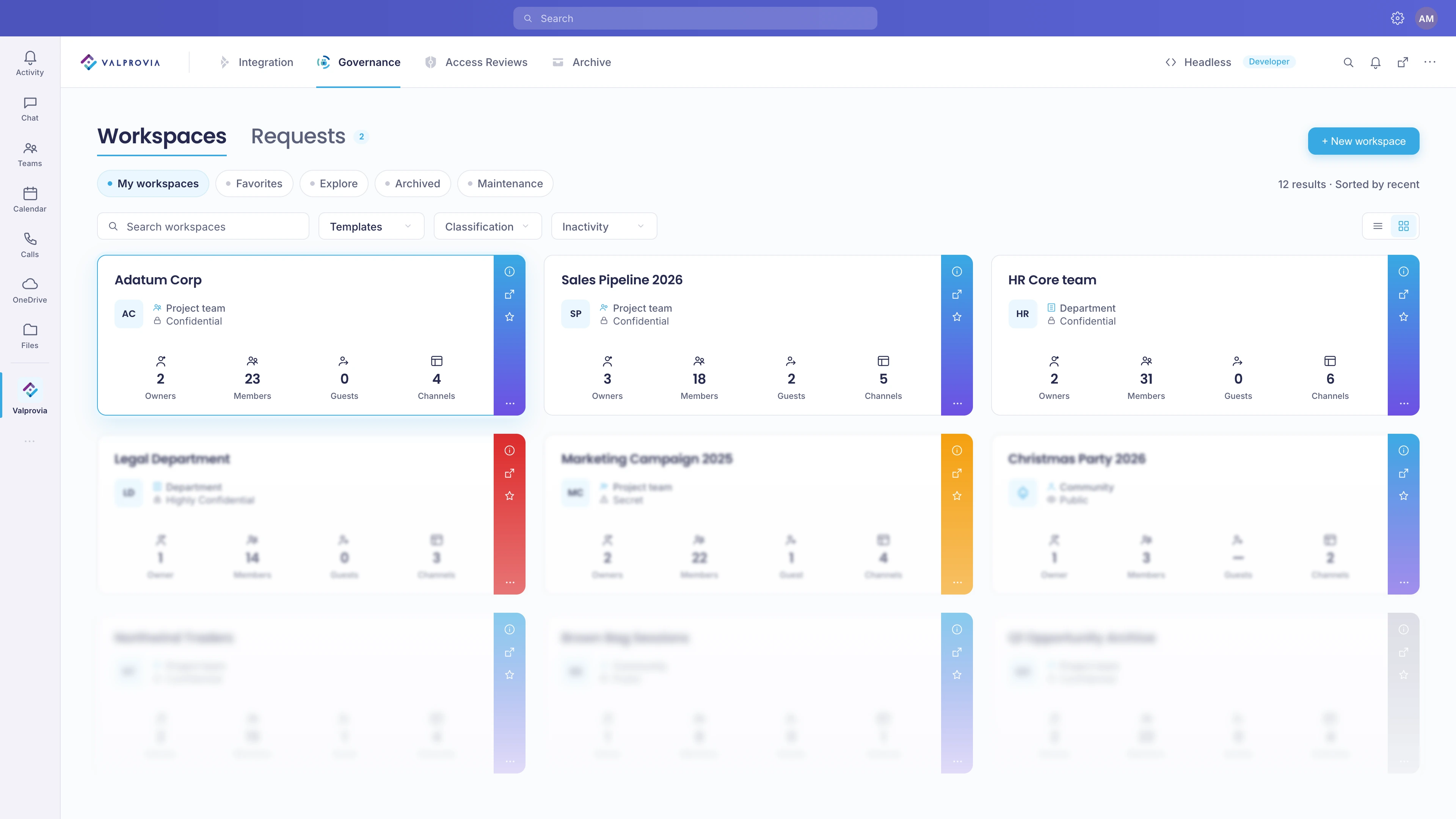
External guests see only the workspaces they are invited to. They cannot browse other workspaces, see the workspace directory, or access the Admin Portal.
Make external collaboration secure - with no manual effort
See how Valprovia Governance manages external users with NDAs, expiration dates and automatic removal. Talk to one of our experts.